
Keep original credential files or issuer verification links, organize them in a dedicated folder with a protected offline backup, and confirm each recipient’s current requirements before submitting documents or relying on digital identification.
Build a Reliable Digital Credential File
A dependable credential file starts with the most usable version of each record. Keep the original certificate file or an issuer-provided verification link when one is available. A screenshot may be cropped, have insufficient resolution, or omit information needed for verification. It may therefore be inadequate when an employer or credential reviewer requests an original file or a working link.
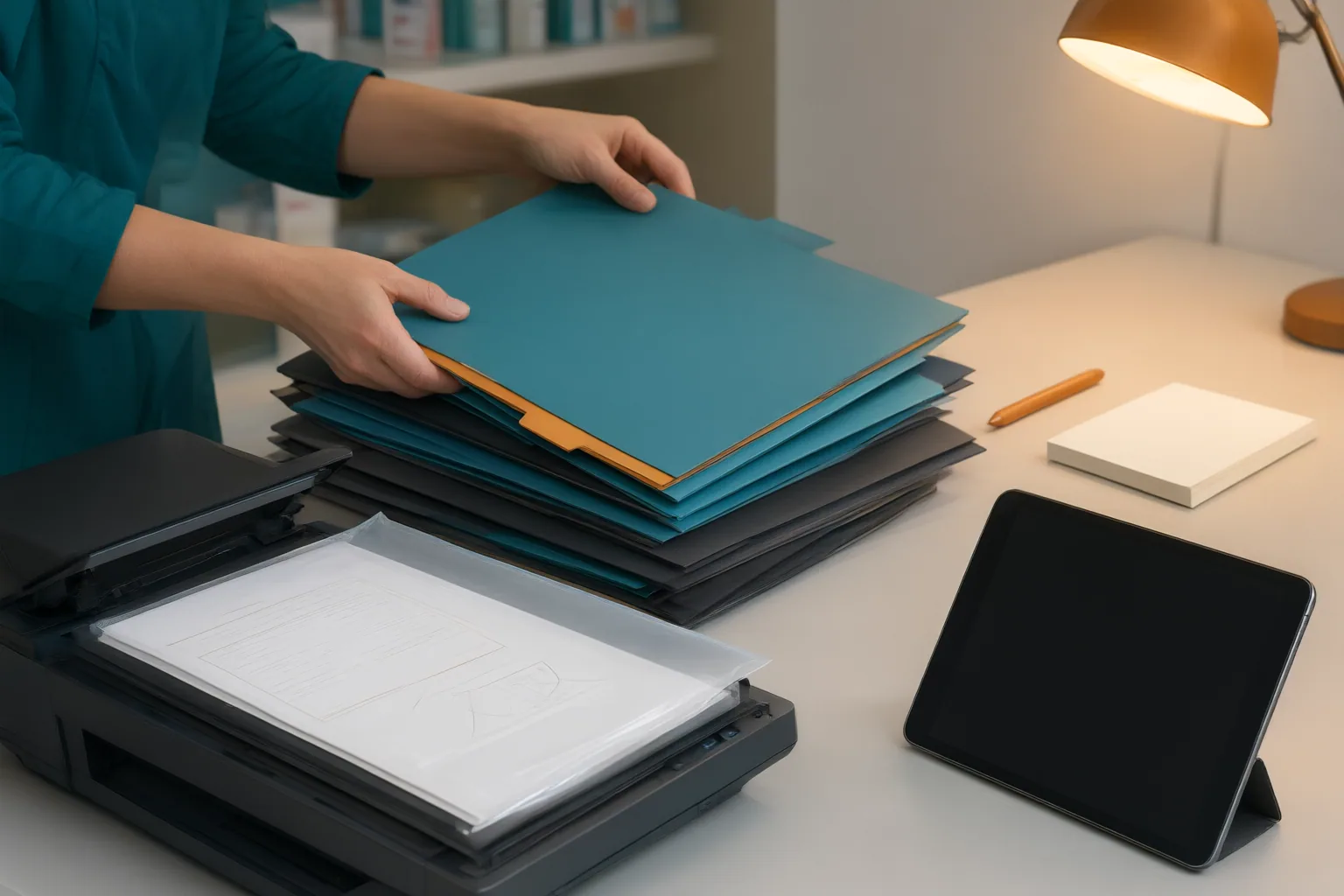
Do not depend on an old email account or a temporary sharing link as your only means of access. Records can become unavailable when an email is deleted, an account changes, or a link expires. Place certificate files and verification information in a dedicated cloud folder. Use clear filenames and subfolders so that different licenses, certificates, and application records are easy to distinguish.
Maintain a separate offline backup as well. The cited storage guidance recommends an encrypted drive or a password-protected local folder. The backup provides another copy if the cloud version or an associated account becomes unavailable. Periodically review the collection for expired certificates, broken verification links, and missing credentials. This organization method can preserve usable records, but it does not determine which files a pharmacy employer, board, training program, or certification body will accept.
Know the Difference Between an ID Image and a Mobile Credential
A photograph, scan, or screenshot of a driver’s license is not the same as an officially issued mobile driver’s license. A mobile credential is established through an issuing authority’s identity-verification process and stored in a supported application or digital wallet. A phone image of a physical card does not acquire that verified status simply because it is digital.
This distinction matters when preparing application records. A certificate may be available as an original downloadable file, while a mobile driver’s license functions as a verified credential within a supported system. Treating both as ordinary image files can lead to incorrect assumptions about what a recipient can inspect or accept.
The cited digital-license information says access may be protected with a PIN or fingerprint. It also reports that supported Apple devices can be remotely deactivated or erased if lost. Those features should not be interpreted as proof that every device, wallet, jurisdiction, or recipient supports the same protections. They also do not establish that a mobile credential will satisfy a particular pharmacy-related application requirement.

Confirm Requirements Before You Share or Rely on Digital ID
Digital identification is not accepted uniformly. Acceptance can vary by jurisdiction, situation, and receiving organization, and physical identification may still be required. Before relying on a mobile driver’s license, ask the intended recipient whether it currently accepts that credential and whether you must also present the physical card.
Apply the same confirmation step to licenses and certificates. Ask the relevant agency, employer, training program, or certification body which document format it requires and which submission channel it accepts. The available sources provide general guidance about certificates and driver’s licenses, but they do not establish the submission rules of pharmacy employers, pharmacy boards, training programs, or certification organizations.
The sources also do not provide standards for secure transmission, redaction, document-retention periods, or responding to a data breach. Consequently, they cannot support a universal recommendation for emailing, uploading, redacting, or retaining application documents. Obtain the current instructions from the specific recipient before sending a file. If the recipient’s instructions distinguish among an original certificate, a verification link, a scanned document, and an officially issued mobile credential, follow that distinction rather than assuming the formats are interchangeable.
Conclusion
Review your credential records before beginning an application. Preserve original certificate files and issuer verification links rather than relying only on screenshots. Keep the records in a clearly organized folder, maintain an encrypted or password-protected offline backup, and check periodically for expired certificates, broken links, and missing items.
Then verify the receiving organization’s current requirements. Confirm the accepted file format, the designated submission channel, and whether digital identification is recognized for the specific situation. Because acceptance varies and a physical ID can still be required, keep physical identification available when the recipient requests it.
Take one concrete step now: create your dedicated credential folder and protected backup, replace screenshots with original files or verification links where available, and make a list of the organizations you must contact for current submission instructions.
Disclosures and limitations
- This article was prepared with AI assistance from the supplied research package. Its guidance synthesizes cited sources, including secondary publications and a certificate-storage source that promotes its own platform; verify current requirements directly with the relevant agency or recipient.
Related reading
- Web Safety for Credential Research and Online Media
- What to Check Before Taking a Remote-Proctored Certification Exam: Privacy and Technology Requirements
- Pharmacy Technician Career Planning in Buffalo, New York: A Research Checklist
Sources
- Everything You Need To Know About Digital Driver's Licenses — UpgradedPoints.com
- Where to Safely Store All Your Certificates (Without Losing Access Later) — thehyperstack.com
- How Can I Get a Digital Copy of My Driver's License? | CitizenSide — CitizenSide