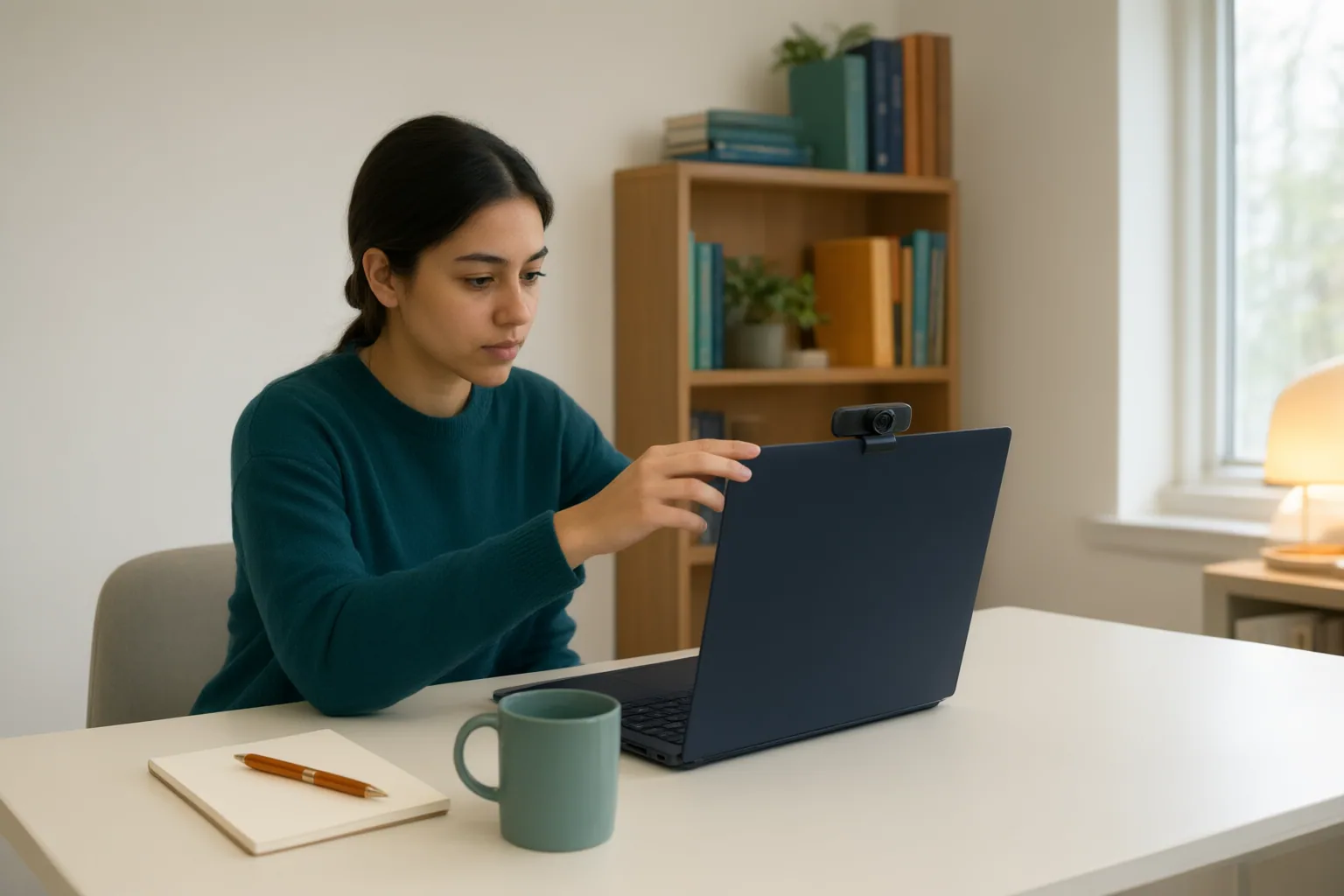
A remote-proctored certification exam lets you test from home, but only if your computer, workspace, identification, and internet connection meet your program's rules. Before scheduling, run the official system check on the exact device you will use, confirm what webcam, microphone, and screen monitoring involves, and weigh it against a test-center appointment — unmet requirements can cancel your attempt, sometimes without a refund.
What a Remote-Proctored Certification Exam Involves
Remote proctoring means a certification exam is supervised through your computer's webcam, microphone, and screen, by a live human proctor, by AI software, or by a hybrid of both; Proctor365 describes live monitoring, record-and-review, automated AI flagging, and hybrid workflows as the four common models. Professional certification bodies already use this format: AHIMA partners with Pearson VUE's OnVUE platform to deliver select certifications (CDIP, CHDA, and CHPS) remotely to candidates located in the United States, and Microsoft delivers its certification exams online through Pearson VUE. Requirements vary by exam sponsor, and none of the sources reviewed covers pharmacy-technician exams specifically, so verify your own program's current rules before scheduling.
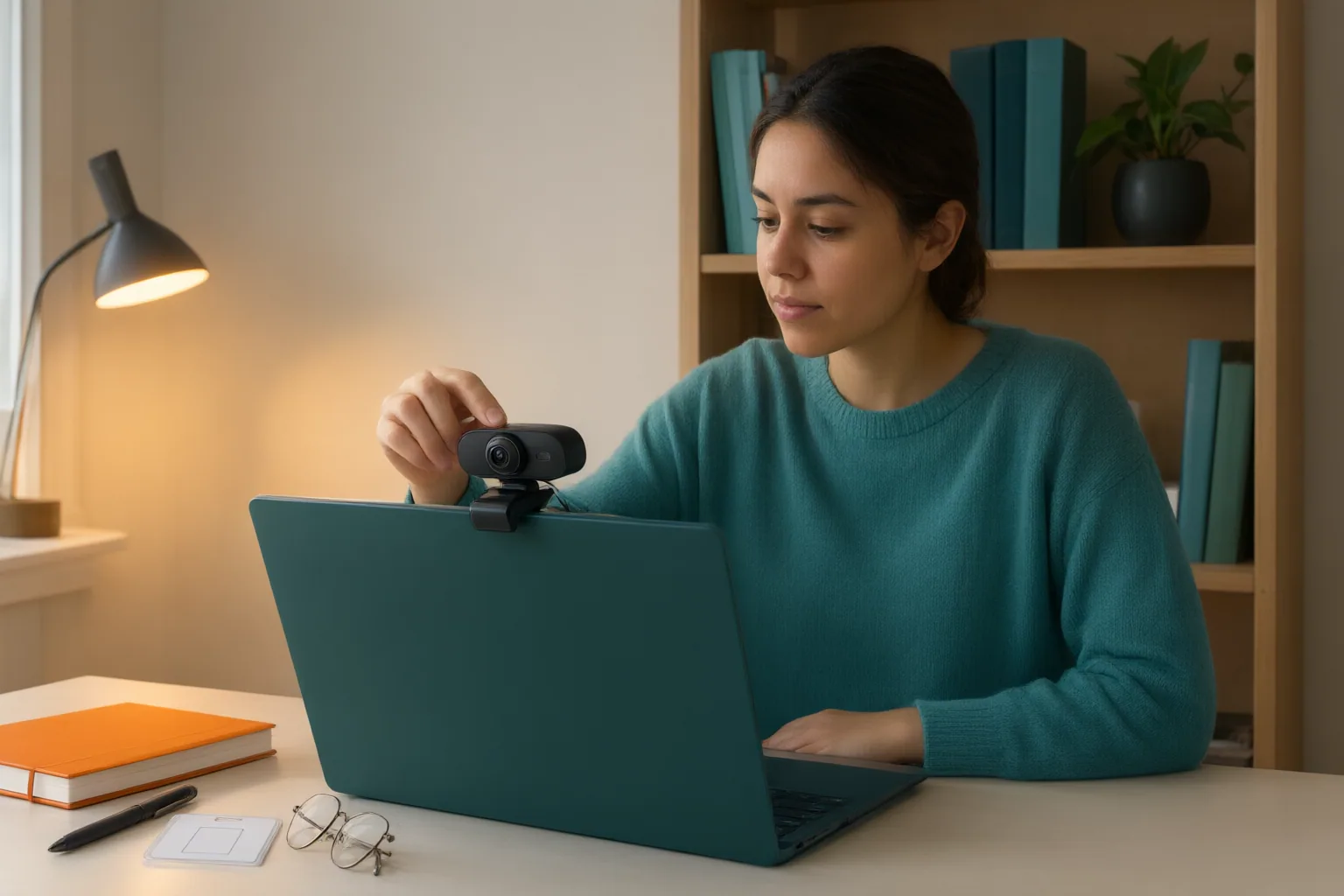
Technology, Workspace, and Check-In Requirements
Start with a system test on the exact computer you will use. Microsoft requires this before scheduling and warns that a computer which fails the test will likely fail during the exam, in which case it recommends a test-center appointment instead (its page was last updated September 19, 2023, so details may have changed).
According to SkillCat, typical requirements include a recent Windows or macOS version (Linux, ChromeOS, iOS, and Android are generally unsupported), no virtual machines or beta operating systems, a single monitor, a working webcam and microphone, no headphones or earbuds, and the computer plugged into power. SkillCat cites example minimum speeds of 6 Mbps download and 2 Mbps upload, recommends wired ethernet over WiFi because a dropped connection can end the exam abruptly, and reports that VPNs and proxy services typically must be turned off. AHIMA also recommends a wired connection and cautions that work computers often carry firewall restrictions that can prevent a successful experience.
Workspace and identification rules matter just as much. AHIMA requires removing prohibited items such as paper, books, and pens or pencils, and photographing yourself, two forms of identification, and your testing space at check-in. Microsoft requires a clear photo of your identification documents and states there are no exceptions: an unclear photo means the proctor will not let you test. Plan to log in about 15 minutes early, close other applications, and install the secure browser. If you need accommodations, act early — Microsoft requires a request to use assistive technologies, and AHIMA requires approval before scheduling because remote accommodations differ from in-person ones.
Privacy Considerations: What Monitoring and Data Collection Involve
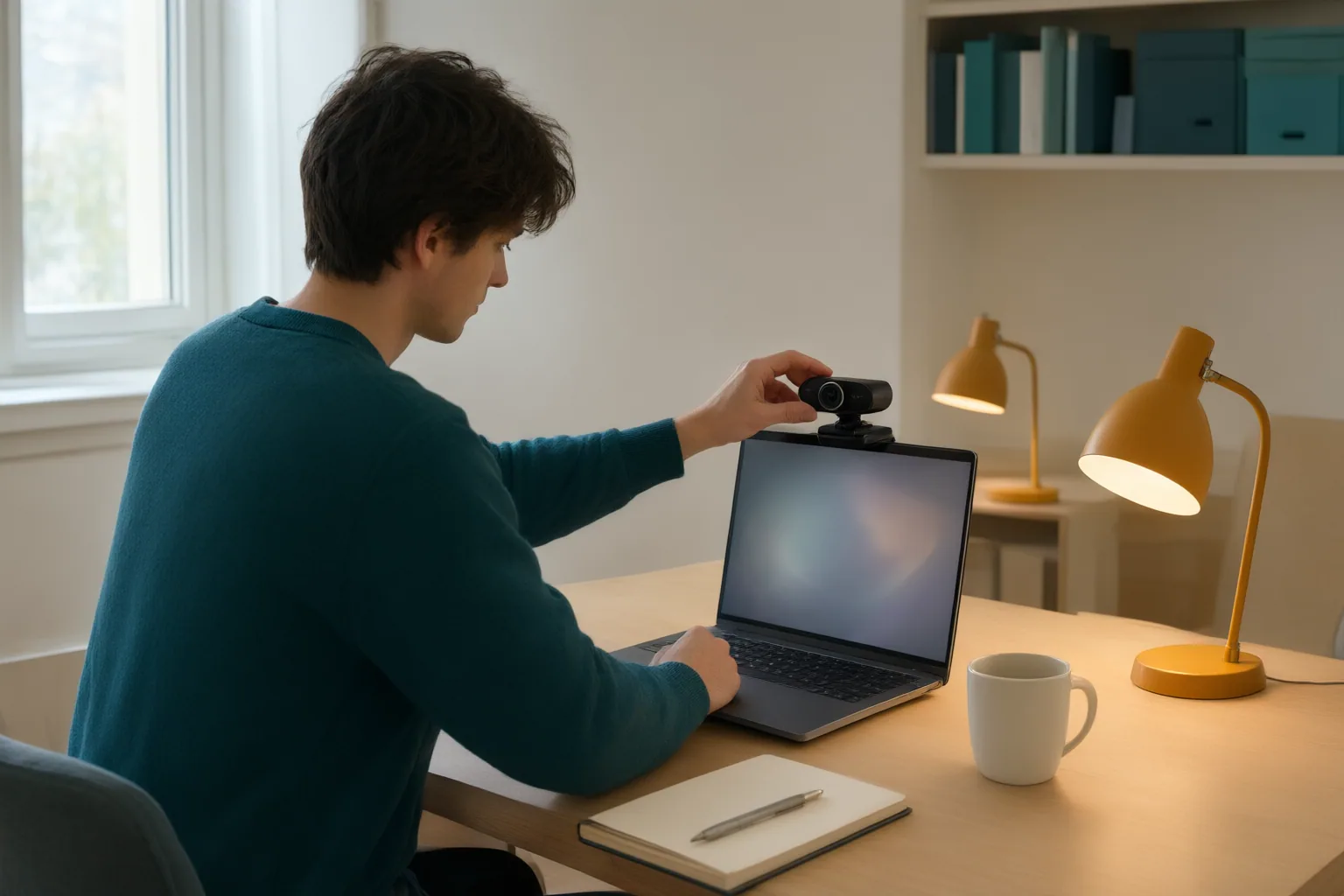
Remote proctoring involves substantial personal data collection, and candidates should weigh that before scheduling. SkillCat describes identity verification that includes showing a government-issued photo ID to the webcam, sometimes paired with biometric facial-recognition matching and liveness detection. During the exam, the webcam and microphone typically stay on the entire time, the screen is recorded, and some platforms add room scans, keystroke logging, or a second camera on your phone for high-stakes exams, per SkillCat and Proctor365. The secure browser blocks other applications, tab switching, copying, and screenshots while the session is captured for later review.
These practices draw criticism. Proctor365 reports that privacy advocates warn about intrusive surveillance, that automated flagging can show bias — including concerns that it unfairly targets darker skin tones — and that outages may void completed attempts. SkillCat notes AI is not infallible: in one study it cites, 98% of AI-generated flags were cleared as non-malicious after human review. Reading your exam sponsor's rules and privacy terms before exam day tells you what monitoring applies; Microsoft and AHIMA both offer test-center appointments as an alternative when candidates have concerns about the online protocol.
Conclusion
A few steps taken early prevent most problems. Proctor365's candidate checklist suggests running hardware checks about 48 hours ahead, using a wired connection, positioning lighting so your face is clearly visible, removing reflective objects, preparing official ID, alerting household members about quiet periods, and capturing screenshots plus contacting vendor chat support if a failure occurs. Add the program-specific steps above — system test on the exam computer, cleared workspace, ID photos, accommodations filed early — and you have covered the documented failure points: untested equipment, restricted networks, unclear identification, and last-minute surprises about monitoring.
Before you schedule, take three concrete actions: run the official system check on the exact computer you will use, prepare clear photographs of your ID and testing space, and read your specific exam sponsor's current online-testing rules to confirm these general requirements apply to your program. If any of it fails or the monitoring makes you uncomfortable, book a test-center appointment instead.
Disclosures and limitations
- This article was written with AI assistance and is based only on the cited sources: program pages from Microsoft and AHIMA (both describing Pearson VUE/OnVUE-delivered exams; Microsoft's page was last updated September 19, 2023) and vendor-affiliated pages from SkillCat and Proctor365, whose claims are attributed rather than repeated as neutral fact. No pharmacy-technician-specific exam policies appear in these sources, so requirements here are illustrative and must be verified with your exam sponsor.
- This guide is general educational information, not legal advice or an official policy statement from any certification body. No products or services were recommended, and no affiliate or sponsorship relationships apply to this article.
Related reading
- Web Safety for Credential Research and Online Media
- Pharmacy Technician Career Planning in Buffalo, New York: A Research Checklist
Sources
- Best Practices For Proctored Exam Security And Integrity — SkillCat
- Online proctored exams — learn.microsoft.com
- Remote Exam Proctoring Guide: Beginner Tips & Best Practices – Proctor 365 — Proctor 365
- Remote Proctored Exams | The American Health Information Management Association (AHIMA) — The American Health Information Management Association (AHIMA)
- How Remote Proctoring Works for Certification Exams (2026) — SkillCat