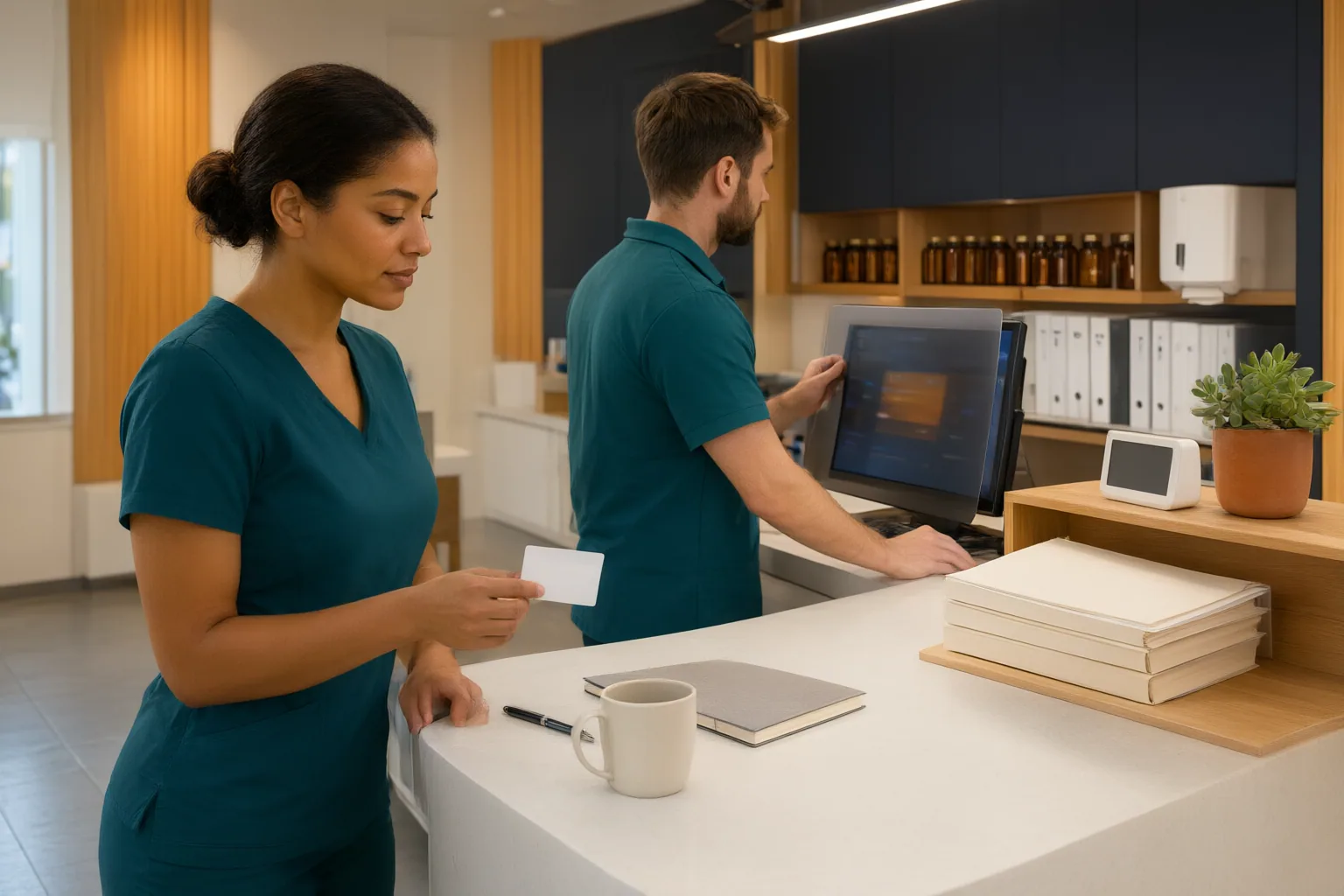
Pharmacy technicians can reduce privacy risks by controlling who can see, hear, receive, or access patient information. In shared workspaces, that means verifying identity, protecting conversations and screens, securing paper and digital records, limiting access, and promptly reporting suspected incidents. Current official guidance and workplace policy should always control.
Where Patient Information Can Be Exposed
Pharmacy technicians routinely work with identifiable information, including patient names, prescription details, allergies, and insurance identifiers. At a busy counter, this information may appear on monitors, labels, receipts, printouts, or prescription bags. It can also be disclosed when nearby patients, visitors, vendors, or other workers overhear a conversation.
Privacy protection therefore extends beyond keeping records confidential. Technicians should prevent unauthorized people from viewing, hearing, or accessing patient information throughout the workflow. Waiting queues, pickup areas, shared rooms, and insufficiently restricted work zones all deserve attention.
Before discussing medication information or releasing a prescription bag, technicians should verify the recipient’s identity using at least two identifiers. Verification should occur even when the person appears familiar. Only the information necessary for the task should be exposed, and sensitive discussions should be redirected when the counter does not provide reasonable privacy.
Protect Conversations, Screens, and Paper Records
Sensitive conversations should be kept out of hallways, lounges, and open collaboration areas when possible. Technicians can lower their voices, create distance from waiting patients, or move a discussion to an enclosed space. Where the workplace provides them, acoustic controls can further reduce the chance that conversations will be overheard.
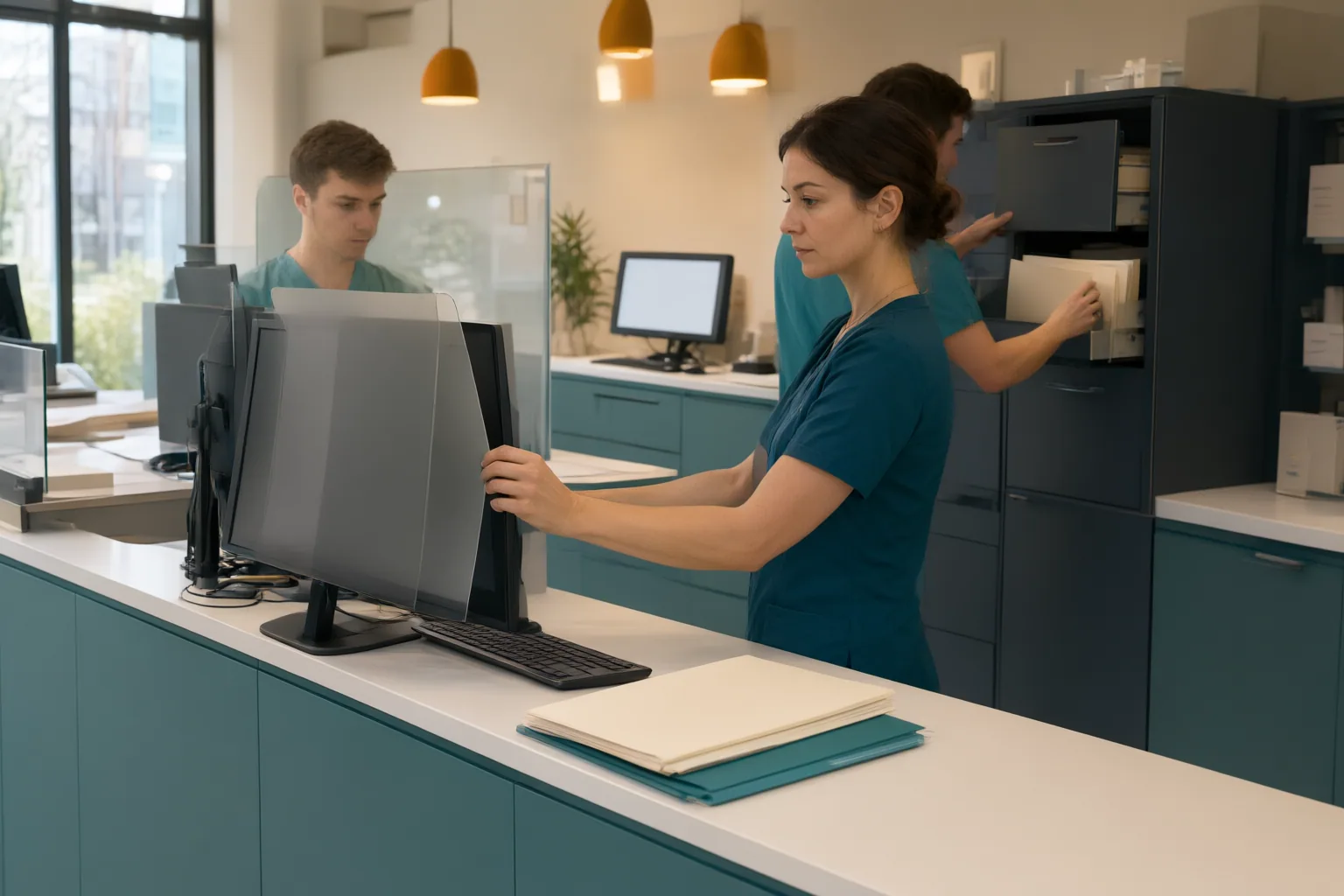
Workstation placement also matters. Monitors should face away from public view, and privacy filters may be appropriate where screens cannot be repositioned. An unattended screen should be locked, even during a brief interruption. Patient identifiers should not remain visible longer than the task requires.
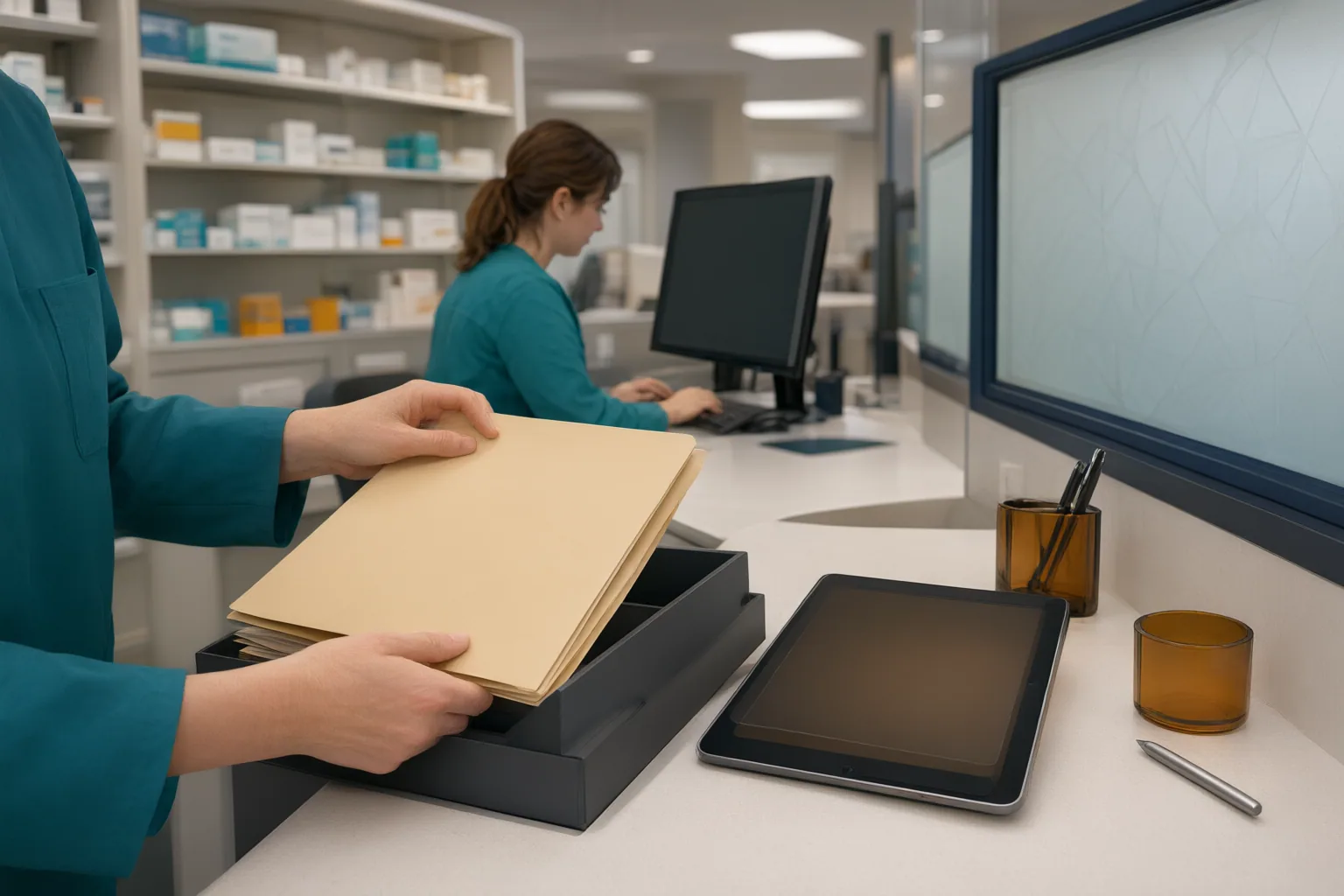
Shared printers and scanners create another exposure point. Documents can be forgotten in an output tray, mixed with unrelated papers, or left where visitors and unauthorized staff can reach them. Dedicated, access-controlled equipment and secure-release printing can reduce those risks when available. Technicians should retrieve documents promptly, confirm that originals have not been left in scanners, and place records in locked storage rather than on open counters.
Paper containing patient information should go through an approved secure-destruction process. It should not be placed in ordinary trash, recycling, or another shared disposal area where unauthorized people could retrieve it. These practices should be adapted to the pharmacy’s actual layout and procedures.
Control Digital Access, Communications, and Visitors
Each worker should use individual credentials rather than a shared account. Individual access supports authentication and audit logging while helping the organization limit records and functions according to a person’s role. Technicians should lock sessions when stepping away and follow workplace procedures if a credential may have been compromised.
Systems containing patient information should be separated from public or guest networks. The supplied guidance also recommends access controls, encryption, authentication, and audit logging for digital records and communications. These protections are generally managed by the organization, but technicians contribute by using only approved systems and by reporting unusual access or suspicious messages.
Patient information should be sent through secure portals or other approved communication channels. Before sending an email or fax, verify the address or fax number and limit the transmission to the information necessary for its purpose. Patient information should not be placed in personal-device text messages.
Physical access supports digital security. Visitors, vendors, cleaning personnel, and workers from neighboring practices may enter shared areas, so zones where patient information is created or stored should be restricted. Visitors should be escorted in restricted areas. When an employee, contractor, or other authorized person changes roles or leaves, access should be removed promptly under the organization’s process.
Conclusion
A misdirected fax, exposed printout, suspicious message, or compromised credential requires prompt action. The technician should report the suspected incident to a supervisor or privacy officer, contain the exposure when possible, and document the known facts. Containment might include securing a document or following the established process for a compromised account. The technician should not conduct an independent investigation.
The supplied materials are third-party guidance, and some recommendations were developed for healthcare coworking offices or shared hospital settings rather than retail pharmacies. They should be adapted to the actual workflow and checked against current official guidance and workplace policy.
Review your workplace privacy policy and reporting procedure today. Then identify one conversation area, workstation, or shared device where patient information could be exposed and raise that specific risk with your supervisor.
Disclosures and limitations
- This article was prepared with AI assistance from the supplied research package and content plan; it does not represent personal testing, interviews, or firsthand workplace experience.
- The underlying sources are third-party guidance rather than primary regulatory materials. Readers should confirm requirements through current official guidance and their workplace’s privacy policies.
Related reading
- Medicine Image Context
- How Can Pharmacy Technician Students Build Speed Without Sacrificing Accuracy?
- What Should a New Pharmacy Technician Expect During Employer Onboarding?
Sources
- HIPAA Compliance for Healthcare Coworking Spaces Guide – Expert Article – HIPAA Partners — hipaapartners.com
- HIPAA Requirements for Pharmacy Technicians: Privacy Rules, Training, and Compliance Checklist — AccountableHQ
- HIPAA Compliance for Shared Office Spaces in 2026 — clinikehr.com
- You're working in a shared workspace with patient data. How can you guarantee its confidentiality? — linkedin.com
- How to Ensure HIPAA Compliance in Healthcare Coworking and Shared Office Spaces — AccountableHQ
- Ensuring Patient Privacy in Shared Hospital Rooms: Practical Solutions for Staff and Patients — AccountableHQ